What you need
On z/OS
- z/OSMF, reachable over HTTPS from the workstation, directly or through the corporate HTTP proxy, with its z/OS jobs, data set and file, and TSO/E address space REST services. Users need access to them (the IZUUSER group, or what your site uses).
- Your security product (RACF, ACF2 or Top Secret) still decides everything the host allows. The module adds no privileges.
- The shop's own compile procedures (for example IGYWC or IGYWCL), and Enterprise COBOL, the binder, Db2 and CICS as the shop runs them.
- Optional, for the features that use them: TSO/E with an account number and logon procedure; an OMVS segment for z/OS UNIX files; SDSF; a CICS management client interface (CMCI); Endevor Web Services; IBM z/OS Debugger with its Debug Profile Service; DBB with zAppBuild; DFSMShsm; users with OPERCMDS authority for console commands.
On the workstation
Nothing but the Editor for the z/OS side. Zowe CLI is not required; an existing Zowe team configuration is read if it is there.
For the optional workstation path: GnuCOBOL 3.1 or later (cobc), GDB 8 or later, COBOL Check (verified with 0.2.19) with Java 8 or later. See The workstation path.
Connect to z/OS
- Run Connect to z/OS (Ctrl+Alt+Shift+Z), from the Command Palette or the empty editor. With an existing Zowe team configuration on the machine (global
~/.zoweorZOWE_CLI_HOME, the folder's project and user files, nested profiles, the base profile,$VARsubstitution), pick its z/OSMF profile. Without one, it adds a connection; Add z/OS Connection does the same at any time. - Enter your password when it is first needed. It is asked again once after a rejection and then not again, so your user ID is not revoked.
- The z/OS Data Sets view opens. The status bar shows the connection the active file uses.
Both work with or without a folder. Remove z/OS Connection removes a connection from the z/OS Data Sets view.
The connection in the status bar
The status bar shows the connection the active file uses and warns when a password is rejected, the host does not answer, a certificate is not trusted, the proxy refuses, or the connection is refused as not secure. A zosmvs: or zosuss: resource always uses the connection its address names. Each profile keeps one kept-alive connection pool.
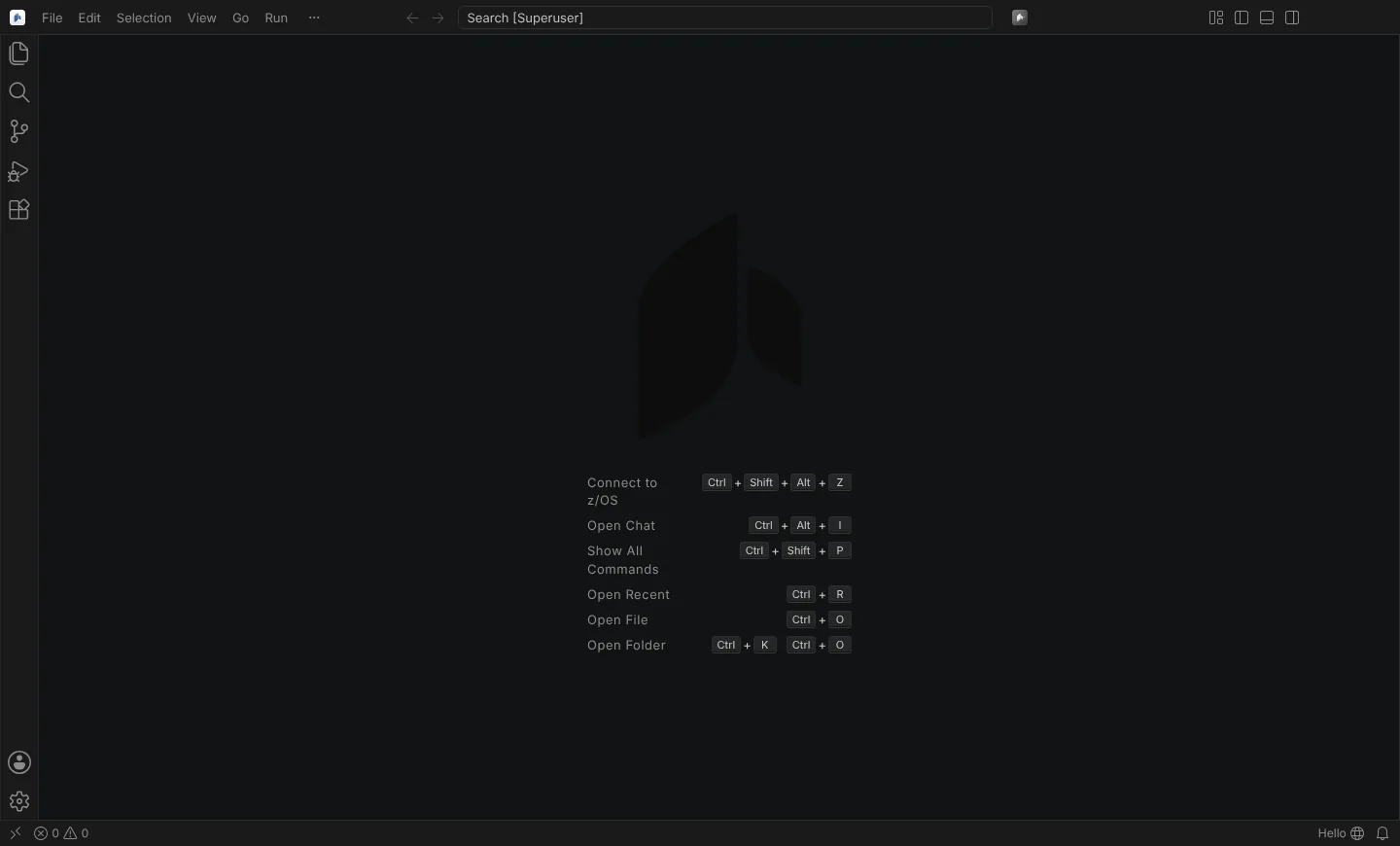 A window without a folder or connection: the empty editor offers Connect to z/OS.
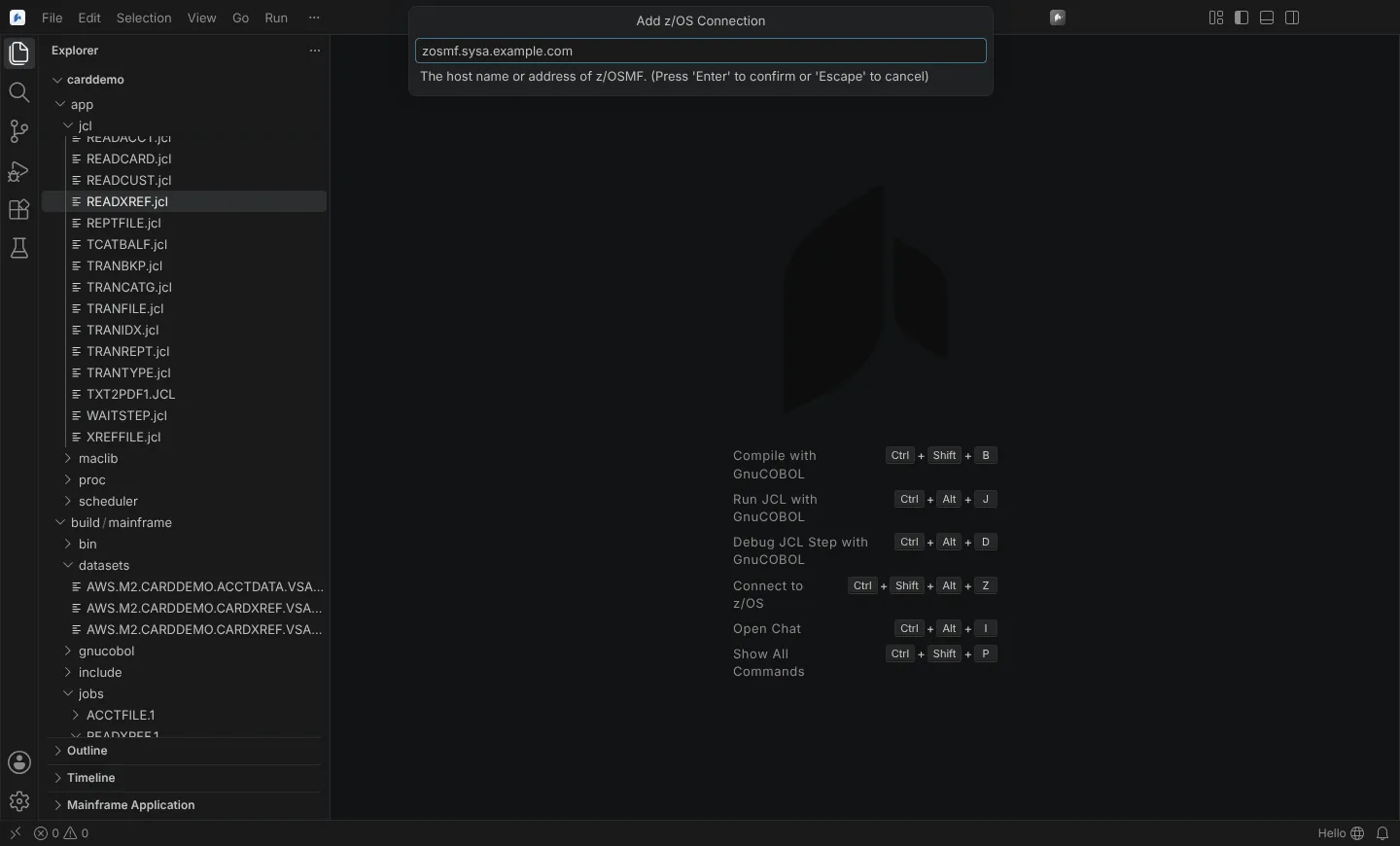 Add z/OS Connection asking for the z/OSMF host name, here an example host.
Authentication
| Method | How |
|---|---|
| User and password | One z/OSMF session login per window session, then its token, logged in again once when it expires; Basic authentication on each request where z/OSMF returns no token |
| API Mediation Layer | A Zowe profile with a basePath and the base profile's tokenType: apimlAuthenticationToken logs in to the gateway and keeps only the token, per gateway, in secret storage; it logs in again after a 401. Log Out of API Mediation Layer invalidates it |
| Client certificate | certFile and certKeyFile in the profile; an encrypted key's passphrase is asked once |
The profile's authOrder is honoured. Passwords and key passphrases are kept in the Editor's secret storage (the operating system's credential store) only when you choose Remember Password and the machine setting neuralInverse.mainframe.security.rememberPasswords allows it. Session tokens are never written to storage. Forget z/OS Credentials removes them.
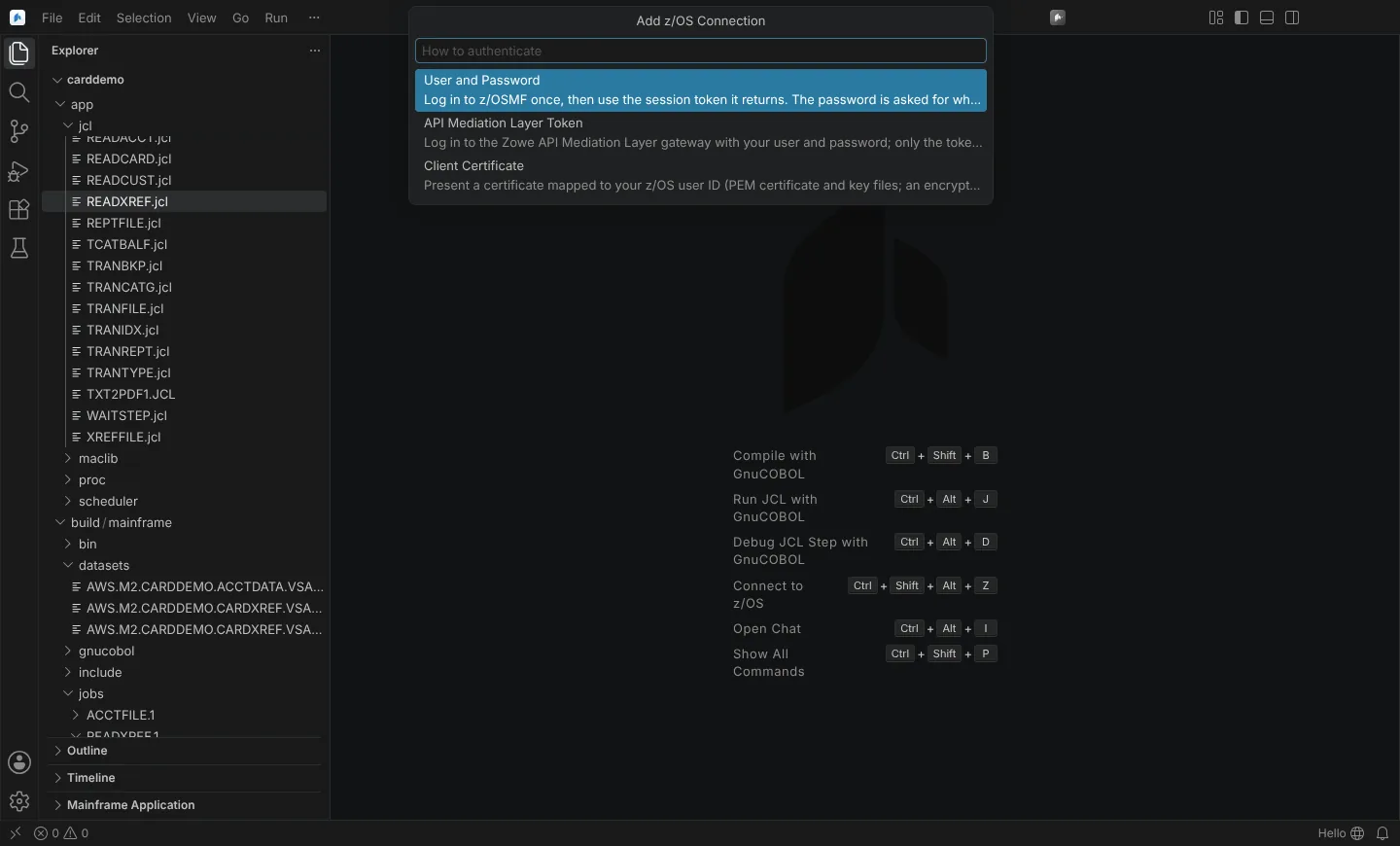 Add z/OS Connection offering user and password, an API Mediation Layer token or a client certificate.
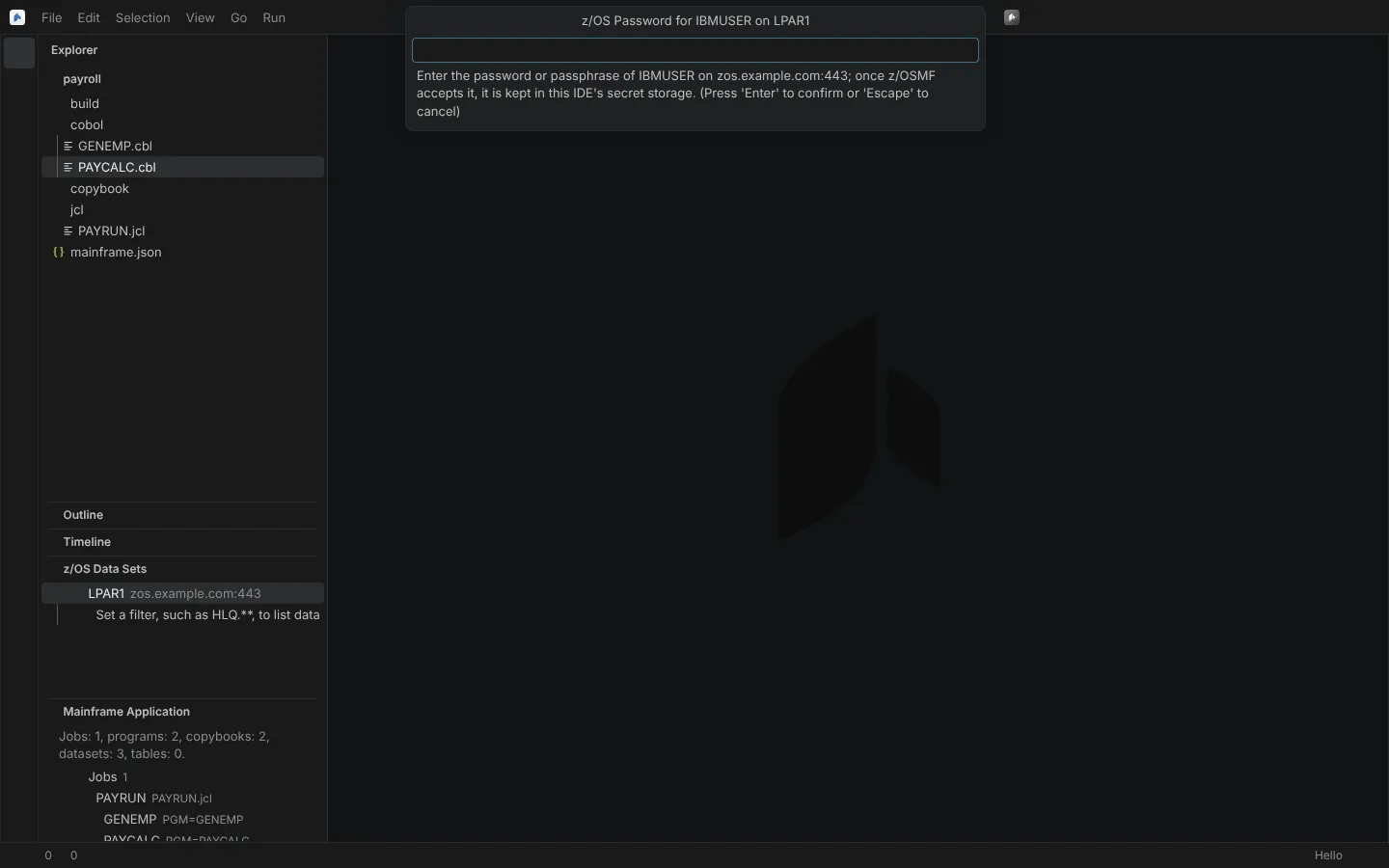 The password prompt for a sample user on an example host, shown when the password is first needed.
Authentication methods and proxy types that are not supported yet are listed on What's next.
On a locked-down corporate desktop
- Proxy:
http.proxy,HTTPS_PROXYandHTTP_PROXY, the system proxy and PAC;http.noProxyandNO_PROXYwith domains, ports and IPv4 CIDR; Basic or a givenProxy-Authorization. A 407 is explained. - In-house CA:
neuralInverse.mainframe.certificateAuthorities(a machine setting) names PEM files of CAs to trust, together with the operating system's trust store andNODE_EXTRA_CA_CERTS. An unreadable or invalid file fails before anything is sent, naming the file. - TLS 1.2 or later. Plain HTTP and HTTPS without certificate verification are refused unless
neuralInverse.mainframe.security.allowInsecureConnectionsis on, and the connection is then marked Not Secure.
State: the transport is verified on Linux against local HTTPS servers with real TLS (in-house CA trusted, self-signed refused naming subject, issuer and fingerprint, client certificates, encrypted keys, TLS 1.1 refused). Not yet run against z/OS or a real API Mediation Layer. The Windows certificate store, the macOS keychain and PAC resolution (stubbed only) are not verified.
The project file
A Mainframe project is a folder with mainframe.json at the top, or IBM's ZAPP files, or zAppBuild's application-conf, read as they are. The keys, the form editor for ZAPP and zAppBuild files, and host projects without a local copy are on Project files: mainframe.json, ZAPP and zAppBuild.
Try it without a host
The workstation path runs without a z/OS connection: open a COBOL application's folder as it is, with GnuCOBOL installed (see The workstation path). AWS's public CardDemo sample, a CICS, VSAM, Db2 and batch application, is the realistic application the module was checked on and opens as it is.